Video Joiner
Publisher Description


add background music in the movie
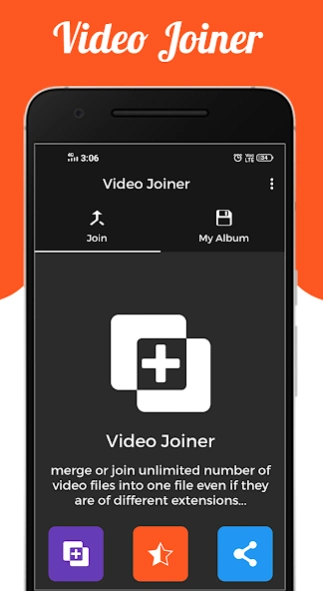
Video Joiner can merge or join any number of Videos together in one Video. It also supports almost any format of videos as input. Some supported input formats for merging are mp4, mkv, 3gp, 3gpp, mov, flv, avi, mpg, mpeg, m4v, mpeg, vob, wmv, webm, mts, ts, m2ts etc. It can also convert the merged video to many formats. The supported merged output formats are mp4, mkv, mov, avi, 3gp etc.
Some Feature of Video Merger :-
- Simple, smart and powerful.
- Easy to use with user friendly UI.
- High Quality video generated(also depends on quality of videos processing).
- Supports MP4 and major format in Videos
- Merge two videos into one file.
- Join videos in one place.
- Join different frame rate, same frame size and same audio rate video files.
- Easy mode selection i.e. Video Merge Side by Side, Video Merge Up and Down or Video Merge Sequentially.
- Runs merging background process feature
- Access from notification, when completed it notify you.
- Share your Merged Video with your friends or on social media directly from app.
- Delete or View Merged Video directly from app.
- No Watermark on video.
Thake You...
About Video Joiner
The company that develops Video Joiner is Apps Cloud Zone. The latest version released by its developer is 1.0 .
To install Video Joiner on your Android device, just click the green Continue To App button above to start the installation process. The app is listed on our website since 2025-11-25 and was downloaded 16 times. We have already checked if the download link is safe, however for your own protection we recommend that you scan the downloaded app with your antivirus. Your antivirus may detect the Video Joiner as malware as malware if the download link to com.luckyappsolutions.videojoiner is broken.
How to install Video Joiner on your Android device:
- Click on the Continue To App button on our website. This will redirect you to Google Play.
- Once the Video Joiner is shown in the Google Play listing of your Android device, you can start its download and installation. Tap on the Install button located below the search bar and to the right of the app icon.
- A pop-up window with the permissions required by Video Joiner will be shown. Click on Accept to continue the process.
- Video Joiner will be downloaded onto your device, displaying a progress. Once the download completes, the installation will start and you'll get a notification after the installation is finished.
Program Details
System requirements
Download information
Pricing
Version History
version
posted on 2025-11-25
version 1.7
posted on 2025-09-26
Fix some bug.
version 1.0.3
posted on 2020-09-13
fix some bug...
change graphics....
version 1.0.2
posted on 2018-09-06
Change Graphics.
Reduce Video Joining Time.
